House style
One family, many products.
This site is built from two layers. house.css is shared by every product: the neutrals, the type, the spacing and every component. A short product file sets the accent colour, the display face and the mark. Change those, write new pages, and the new site belongs to the same family.
Principles
What makes it ours
Paper, not packaging
A cool white page and near-black ink. Colour is used once, for the product’s accent, and only for actions and labels.
Show the real thing
Screenshots of the product in use carry each page. Every claim is something the reader can see or check.
The double slash
Monospaced labels with a leading // – the same separator as the products’ own footers – tie every page and product together.
Colour
Shared neutrals, one accent
Every token has a dark-theme value. The site follows the visitor’s system setting until they choose with the switch in the header.
Type
A display face, a text face, a label face
Long work, made easy
Typenik keeps every word in a plain file that belongs to you.
Body text is set in Inter at 17px with generous leading, in the softer second ink.
Section label
The display face is the product’s: Typenik uses Lora. Inter and the system monospace are shared.
Components
The parts every page is made from
- Status strip: Off
- Facts: Set out
- Like an app’s status bar
Card
For a benefit, with an optional number or file type above.
Note. For the one thing on a page the reader mustn’t miss.
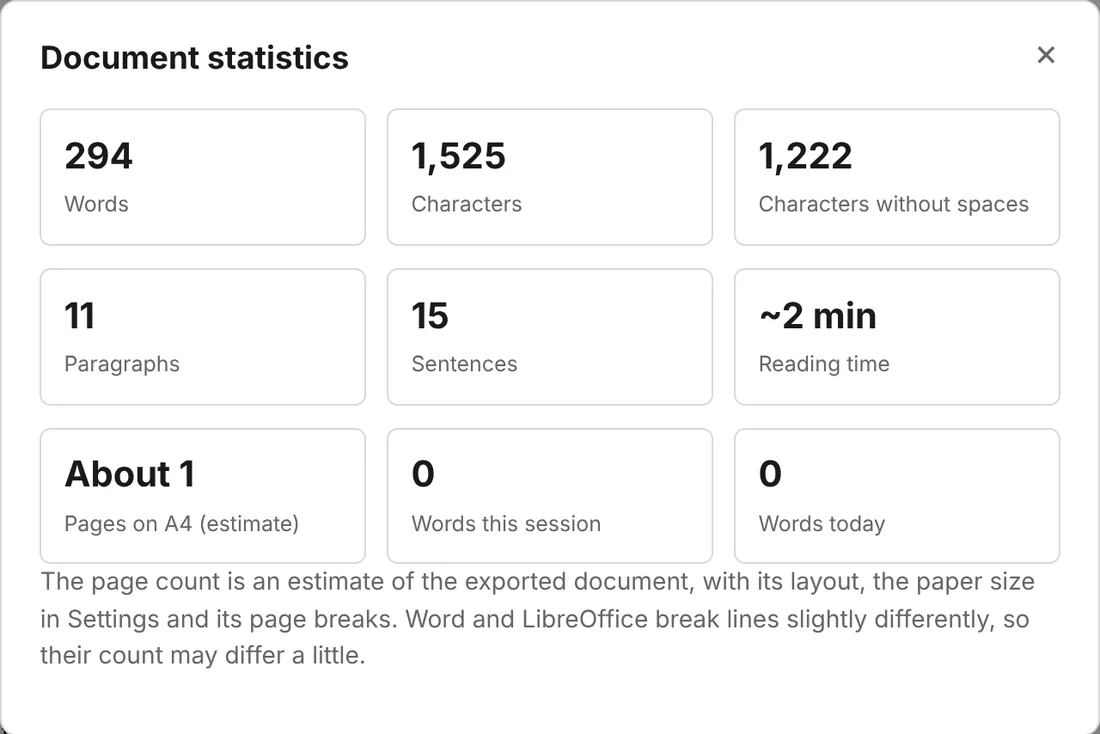
Plate
A close-up, shown whole.
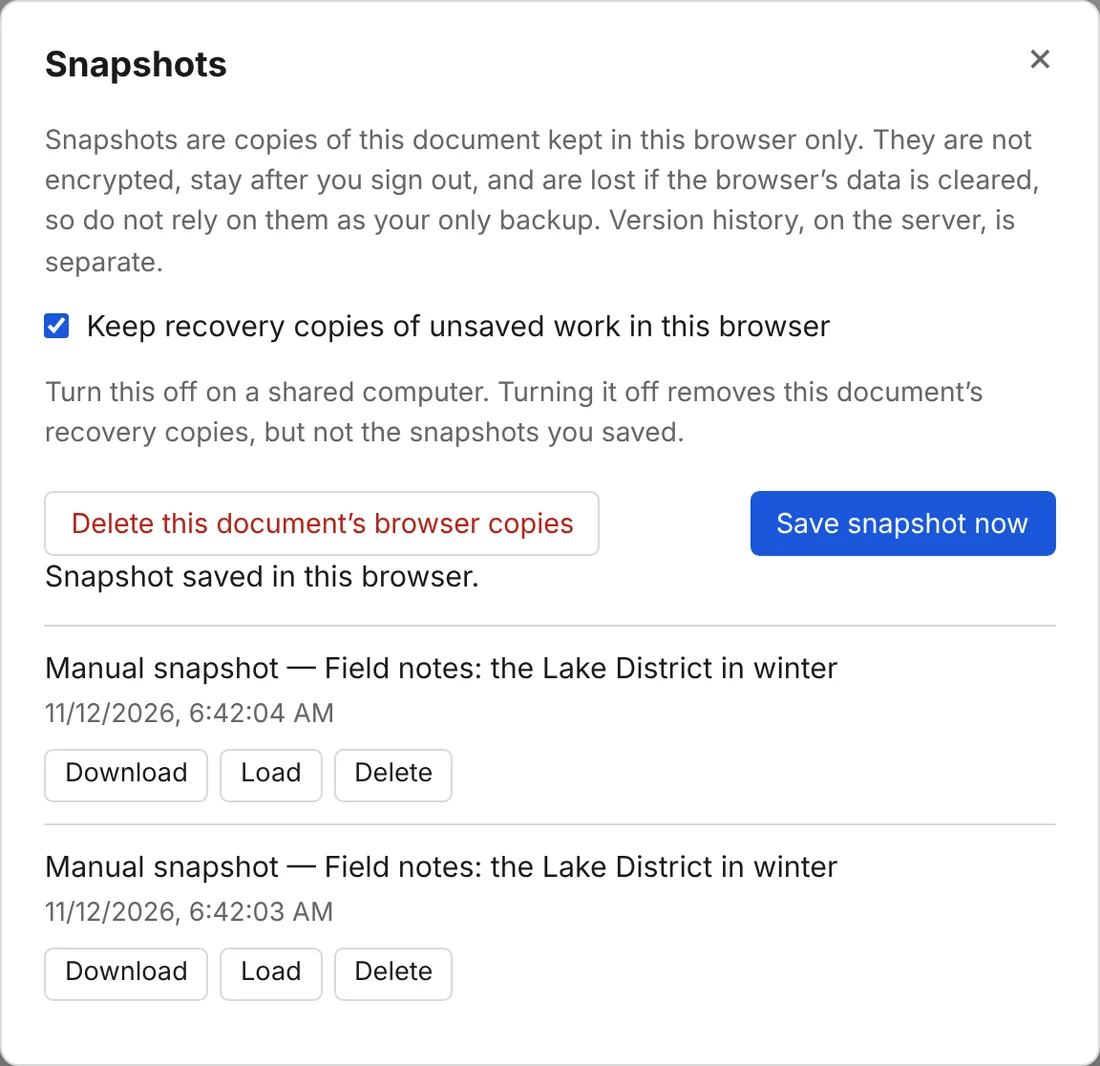
Plate, top
The top of a tall picture, fading out.
Plate, strip
For a thin strip such as a status bar.
- Tick lists lead with the benefit in bold
- Screenshots sit in a plain window frame, with a
//caption, and open full size when clicked - Plates put a close-up of one feature at the top of a card, panel or step, on a dotted ground
- Pages end with a pager or a dark call-to-action band, then the shared footer
The family
Same house, different doors
The mark is always a rounded ink square with a single white letter. Only the accent and the letter change.
Starting a new product site
Three steps
Copy the site
Keep
assets/house.cssandassets/site.jsexactly as they are, so a fix to one site can be copied to all.Set the product
In
assets/product.css, change the accent tokens (light and dark) and the display face. Inbuild.py, change the name, the letter in the mark and the navigation.Write and build
Write each page’s content in
src/, using the components above, then runpython3 build.pyto wrap them in the shared header and footer.
Then replace the screenshots in shots/ with the new product in use – WebP, about 1,800 pixels wide.